Send and read Morse code with your flashlight
MorseLight flashes any message from your phone’s torch — and reads incoming light back into text with the camera. Signal, decode, and learn Morse, all offline.
Free to download · Android 6.0+
Why MorseLight
A pocket signal lamp and Morse tutor in one — no internet required.
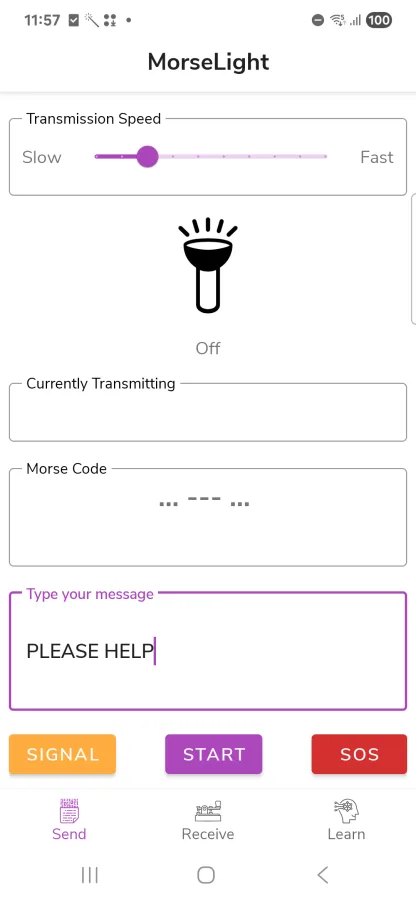
Flash any message
Type a message and MorseLight transmits it as flashlight Morse, at a speed you set from slow to fast.
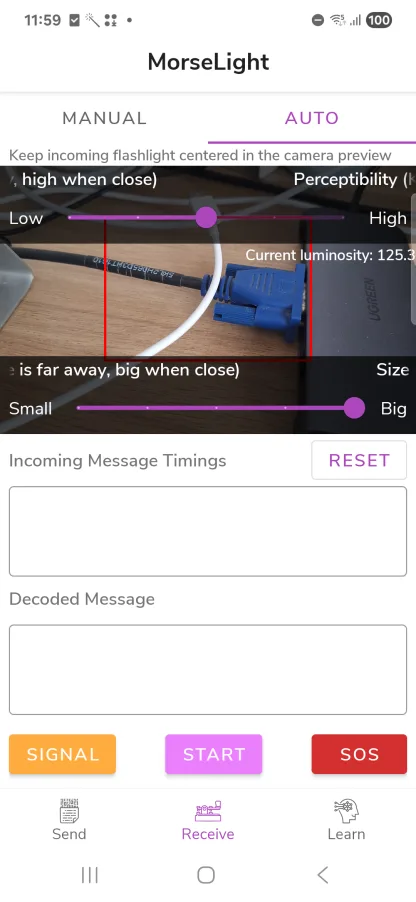
Decode with the camera
Point your camera at a blinking light and MorseLight reads the dots and dashes back into text automatically.
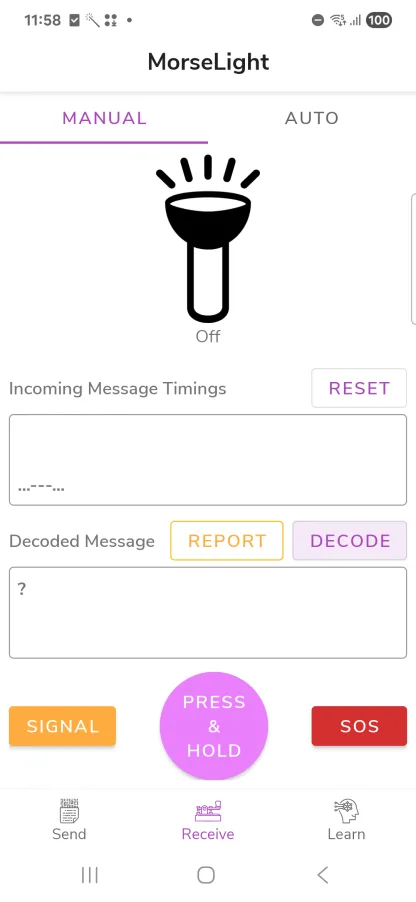
Decode by hand
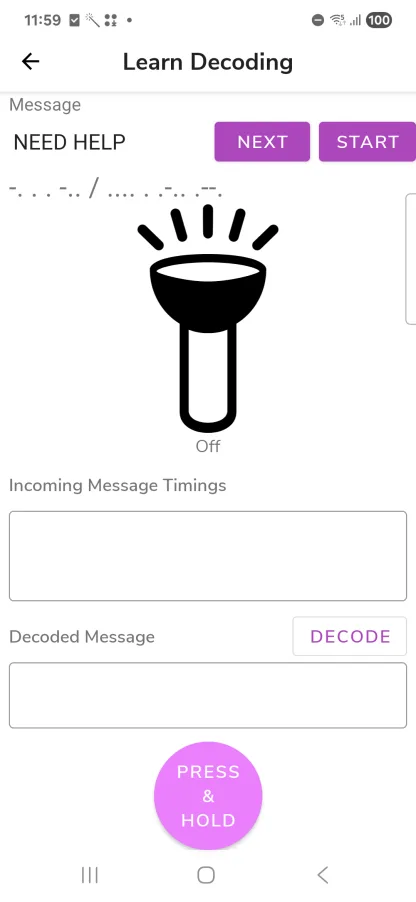
Tap along with incoming flashes and MorseLight turns your timings into a readable message.
Learn to read by eye
Practice on simulated flash patterns until reading Morse by sight starts to feel natural.
Coach & daily challenge
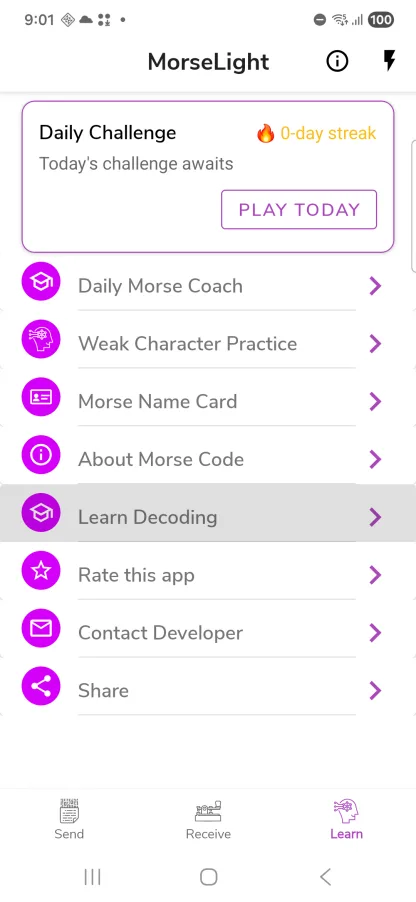
Guided lessons, a daily challenge, streaks, and extra drills on the characters you miss most.
One-tap SOS
Flash the international ··· ——— ··· distress signal instantly when it matters.
See it in action
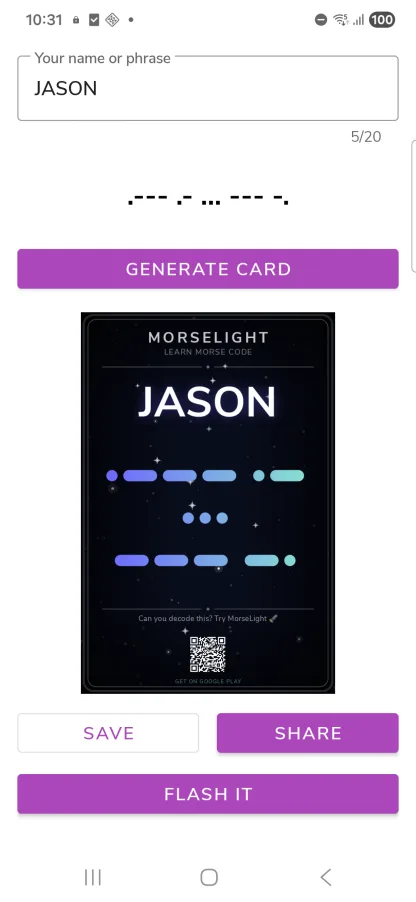
A few looks at MorseLight on a real phone.
How it works
Signalling in under a minute.
Install MorseLight
Download it free from Google Play.
Type or point
Enter a message to send, or aim the camera at a flashing light to receive.
Signal or decode
Tap to flash your message — or watch incoming light turn into text.
Guides
Short, practical how-tos for sending, decoding, and learning Morse.
How to Send an SOS With Your Phone Flashlight
Flash the international SOS distress signal (··· ——— ···) with your Android phone's flashlight using MorseLight. Free, works offline, one tap.
How to Decode Morse Code With Your Phone Camera
Point your Android camera at a blinking light and MorseLight decodes the Morse code into text automatically. Setup and tips for a clean read. Free.
How to Learn Morse Code: A Beginner’s Plan
A simple daily routine to learn Morse code with MorseLight — the coach, daily challenge, streaks, and weak-character practice. Free.
Morse code alphabet
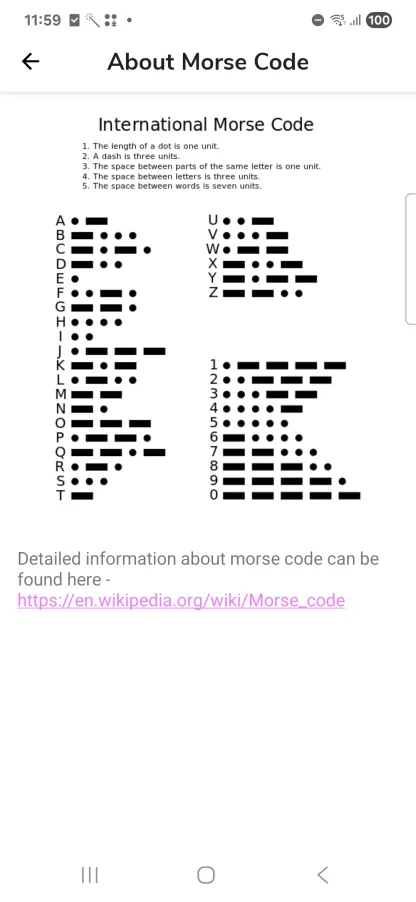
The full International Morse Code chart — a handy reference for letters, numbers, and punctuation.
Frequently asked questions
Is MorseLight free?
Yes — MorseLight is free to download on Google Play.
Does it need an internet connection?
No. The flashlight transmitter, camera decoder, and lessons all run on-device, fully offline.
Which phones does it work on?
Any Android phone with a camera flash, running Android 6.0 (Marshmallow) or newer.
How does the camera decoder work?
Point your camera at a blinking light. MorseLight measures how long it stays on and off, then converts those timings into letters.
Can I actually learn Morse code with it?
Yes. Learn mode, a daily challenge, and a coach with streaks and weak-character drills help you read and send from memory.
What does the SOS button do?
It flashes the international distress signal — three short, three long, three short (··· ——— ···) — with a single tap.
Is it available in other languages?
Yes — MorseLight is localized in English, Russian, and Filipino.